
Servers in Israel
Low latency for local teams
Empire IL's Cloud Office gives your team a cloud PC and a secure remote workspace — with high performance, simple user management and dedicated support. No complex infrastructure to maintain, and a fast start.
A short, no-obligation consultation · Fast response on WhatsApp or by business phone
Who is it for?
Low latency for local teams
A professional support team
A remote workspace within minutes
User and permission management in one place
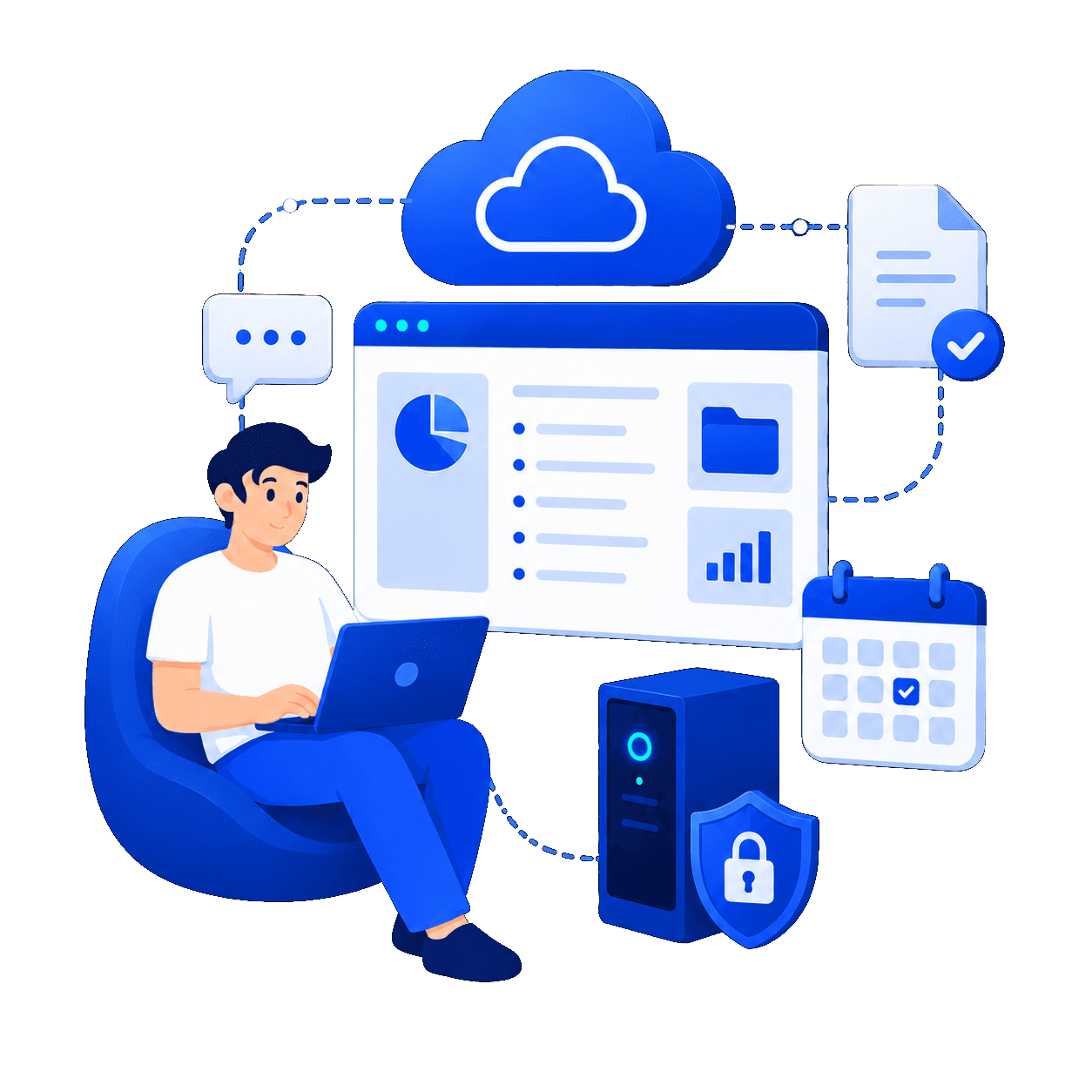
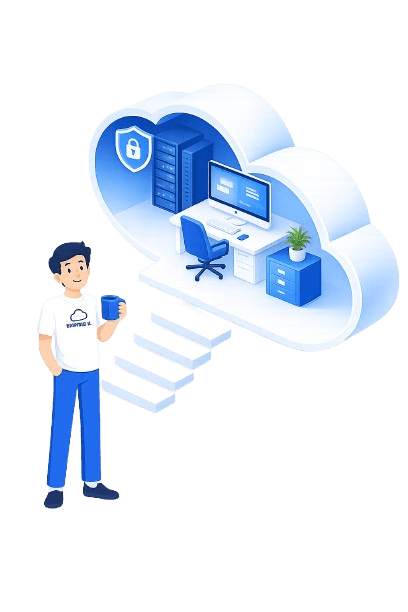
A cloud office is a solution where your entire business workspace runs on secure cloud infrastructure. Instead of working on a single physical computer, every employee gets a remote workspace available from anywhere, with the same files and software at every login.
It's an excellent foundation for businesses that want a smooth transition to hybrid work, control over security, and operational flexibility without the headache of hardware maintenance.
A short, no-obligation consultation · Fast response on WhatsApp or by business phone
Core capabilities
A cloud PC solution that brings together performance, security and user management — so your team works fast while you manage with ease.
Step 1
We map out the business's users, software and security requirements.
Step 2
We build the Cloud Desktop environment and migrate data in an orderly way.
Step 3
The team connects to a unified remote workspace and starts working.
Unified access to systems even when working from different locations.
Secure access to client files and ongoing remote work.
The same remote workspace for employees at home and in the office.
A professional cloud PC without investing in expensive local infrastructure.
Ready to move forward?
Choose WhatsApp, the business phone, or scheduling a consultation — whatever works for you.
A short, no-obligation consultation · Fast response on WhatsApp or by business phone
| Parameter | Cloud office | Regular office computer |
|---|---|---|
| Remote access | From anywhere, anytime | Limited to the specific computer |
| Backup and continuity | Centralized and managed | Dependent on local infrastructure |
| Security | Unified permission and policy management | Scattered across workstations |
| Employee onboarding | Fast setup per user | Manual installations on every computer |
| Scale | Quick upgrade on demand | Requires purchasing new hardware |
FAQ
A cloud office is a remote workspace where all the software, files and business access are managed in the cloud. The user connects from anywhere and sees their workspace securely.
A cloud PC is designed for everyday user experience (desktop, office software, ERP/CRM), whereas a regular server is intended mainly for running backend services and infrastructure.
No. We handle the setup, initial configuration and guidance. You can start working within minutes even without technical knowledge.
The infrastructure is tailored to the Israeli market, with an emphasis on servers in Israel for better performance and a faster work experience for employees in the country.
We define permissions by role, minimize unnecessary access and apply enterprise security policy. You can add or disable users instantly.
We expand resources and users in line with growth, without a complex infrastructure migration and without long downtime.
Leave your details in the form, chat with us on WhatsApp or call our business line — together we'll build a configuration based on your users, software and workflow.
Phone: 03-330-1915
A short, no-obligation consultation · Fast response on WhatsApp or by business phone
Looking for a complementary solution? Check out Managed VPS or Self-managed VPS too.